
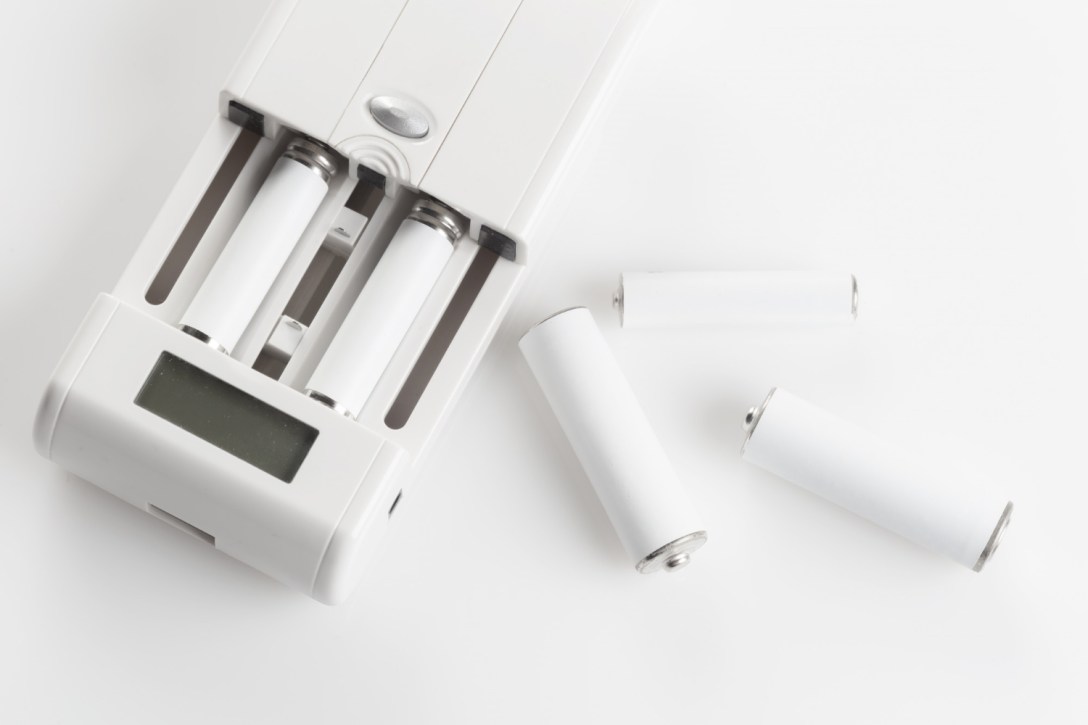
Unlocking Accurate NiMH Testing with the MH-C9000PRO
Precise NiMH-battery testing matters most when we push our gear hardest. Late summer travel, back-to-school electronics, and early fall photography or flashlight use all lean on AA and AAA cells that simply have to work. If one cell in a set is weak, the whole device feels unreliable.
The Powerex MH-C9000PRO is built to solve that problem. It is a lab grade charger/analyzer that treats each cell as an individual, showing you capacity, internal resistance, and real performance under load. Our goal here is to walk through common user issues so your readings are consistent and you feel confident choosing the best cells for every device. If you are considering an MH-C9000PRO for sale online, this guide will also show how to get professional-level accuracy without feeling overwhelmed by options and numbers.
Setting up Your MH-C9000PRO for Reliable Results
A good test starts before you ever press a button. The power source and the room you use both shape your results.
For power and environment, aim for:
- A stable wall outlet, not a loose one or a low-quality adapter
- No long, thin extension cords that might starve the charger of power
- A hard, flat surface with plenty of airflow
- Space away from heaters, direct sun, or closed cabinets
Next, get your NiMH cells ready. Before you test or charge, take a quick look at each battery. If you see:
- Cracked or bulging jackets
- Corrosion on the ends
- Any signs of leaking
set those cells aside and do not put them in the charger. Cleaning also helps. Gently wipe battery contacts and the MH-C9000PRO’s metal terminals with a clean, dry cloth. Less dirt means lower contact resistance and more accurate readings.
Now pick the right mode and current. The main modes you will use are:
- Charge: for a simple, controlled charge
- Discharge: to see how a cell behaves when drained
- Break-In: a slow, careful process for brand-new or long-stored cells
- Refresh/Analyze: repeated charge and discharge to bring cells back into shape and measure real capacity
- Cycle: multiple charge and discharge runs in a row
For newer or healthy cells, many users like charge currents around 0.3C to 0.5C. That means a 2000 mAh cell might be charged around 600 to 1000 mA. Lower currents are kinder on the battery and help extend battery life. Higher, but still reasonable, currents are fine when you want faster results and still reliable data.
Fixing Common MH-C9000PRO Error Messages and Misreadings
When the MH-C9000PRO flashes a warning, it is usually trying to protect your battery or itself, not ruin your day.
If you get “High” or “Low” voltage messages:
- Remove the cell and check the orientation
- Reseat it so the positive and negative ends line up cleanly with the contacts
- Test that cell by itself in one slot
- If it is very low, start with Break-In or a low-current Charge to see if it recovers
Over-discharged, mismatched, or reversed cells are the usual cause. Gentle treatment often brings marginal NiMH cells back enough to test them properly.
Capacity readings that seem wrong are another common concern. A brand-new NiMH battery or one that has been sitting for months may show much less than its rated capacity at first. That does not always mean it is bad. A full Refresh/Analyze cycle can wake the chemistry up and give a more realistic number on the second or third run. Also remember:
- Do not mix old and new cells in the same set
- Try not to mix brands or batches when you care about perfect matching
Overheating or sudden termination is usually the charger looking out for your safety. It is normal for batteries to get warm while charging or discharging, especially in late summer heat or warm indoor rooms. If the unit keeps stopping early:
- Lower the charge and discharge currents
- Improve airflow around the charger
- Avoid clustering multiple chargers tight together on one small power strip
If you do that and the problem goes away, you were likely dealing with extra heat, not a defect.
Ensuring Consistent, Repeatable NiMH Test Data
Good data is repeatable. That means building a simple routine you can follow every time.
Start by standardizing how you test:
- Use the same charge current for all comparison tests
- Use the same discharge current when you want to track change over time
- Run tests in a similar room temperature, not near a window or vent
It also helps to track each cell’s story. Many people:
- Label their batteries with a simple code
- Record results by slot, date, and mode
- Note capacity and internal resistance after a Refresh/Analyze run
Matching cells is key if you use high-drain gear like camera flashes or intense flashlights. Group cells that show similar capacity and internal resistance. The MH-C9000PRO makes it easy to spot a weak outlier that drags down a 2-cell or 4-cell pack. When one battery starts reading much lower than its partners again and again, it may be time to retire that cell and keep the rest together.
Seasonal changes matter too. On hot late-summer days, batteries and chargers both run a little warmer. In early fall, a cooler room can shift readings slightly the other way. If a result looks suspiciously high or low for the season, test again:
- Move to a moderate indoor space
- Run at least two test cycles on that set of cells
If the second run lines up better, trust that pattern over a single odd result.
Advanced Troubleshooting for Demanding Users
Sometimes one slot seems “off” compared to the others. To check this, swap cells between slots. If the strange reading follows the cell, the battery is the issue. If it stays with the slot, inspect the hardware:
- Dust or debris around the rails
- Bent or sticky springs
- Dark spots on the contact surfaces
A careful, dry cleaning and gentle handling usually clears up small slot-specific issues.
For people who rely on big sets of cells, like photographers, field technicians, or audio crews, speed and precision have to live together. A few tips:
- Use moderate to higher currents when you have many cells to turn around, but avoid extremes
- Run Break-In on brand-new high-capacity NiMH packs before you trust them on critical jobs
- Use lower currents and Refresh/Analyze for older, fragile cells so you do not stress them needlessly
If you ever suspect the MH-C9000PRO itself might be defective, look for repeating patterns. Signs include:
- All slots giving strange readings on known-good cells
- The unit failing to recognize cells across different outlets and rooms
- Consistent errors that do not change when you swap batteries and slots
When that happens, it helps to write down what you see, including settings and results, so support can walk through diagnostics, firmware questions, or warranty options with clear information.
Choosing and Maintaining the Right MH-C9000PRO Setup
If you are searching for an MH-C9000PRO for sale, make sure you get the real thing, not an imitation:
- Authorized battery retailers
- Proper Powerex packaging
- Clear information about warranty coverage
Pairing the charger with quality NiMH batteries will give more predictable behavior and tighter results. A well-made cell responds more consistently to the test currents and modes built into the unit.
To extend the life of both charger and batteries:
- Use moderate currents for most daily charging
- Run periodic Refresh/Analyze cycles on older sets
- Store NiMH cells partially charged in a cool, dry place
- Keep the charger on surge protection and avoid constant unplugging and replugging
Over time, many users build a simple testing calendar. For example, they test their main sets around each change of season, before big trips, or ahead of important photo shoots. That rhythm helps catch weak cells before they cause trouble. With Maha Energy’s ecosystem of Powerex batteries, smart chargers, and charger/analyzers working together, your setup can feel less like guesswork and more like a small battery lab on your desk.
By learning how to troubleshoot the MH-C9000PRO and standardize your routine, you turn everyday NiMH use into a clear, predictable process. A few smart habits give you accurate data, longer battery life, and the confidence that when your gear needs power, your cells are ready.
Maximize Battery Performance With Professional-Grade Tools
If you are ready to get more accurate charging, testing, and analyzing for your batteries, explore our MH-C9000PRO for sale and see how it can fit into your workflow. At Maha Energy, we design our solutions to deliver consistent, reliable results for demanding users. If you have questions or need help choosing the right setup, simply contact us and our team will guide you through the options.

